Getting started
Introduction
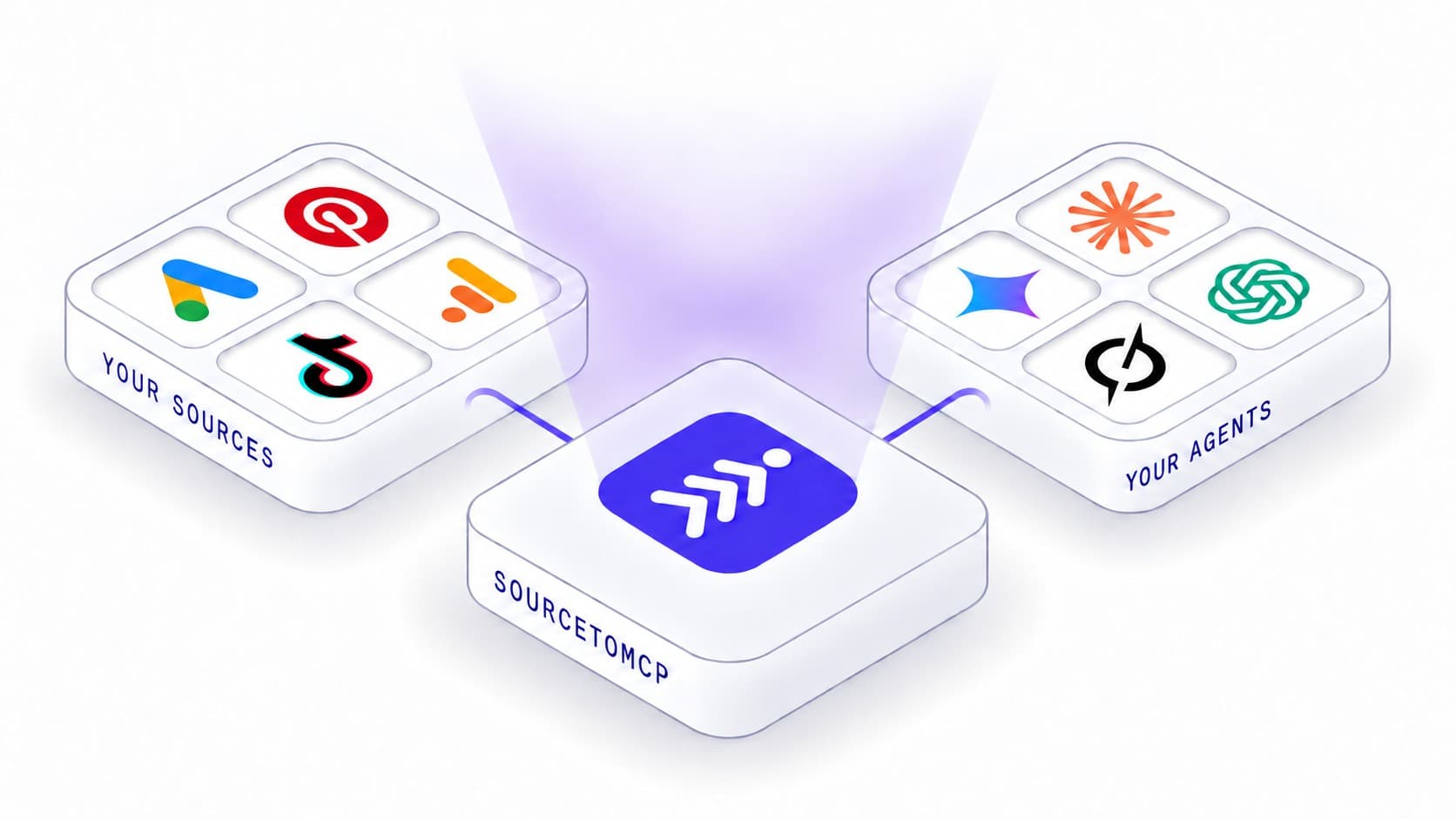
SourcetoMCP is one hosted MCP server for the marketing, product and finance tools you already use. Connect a source once, from any of the 13 connectors already built, and any MCP-capable AI agent, Claude, ChatGPT, Cursor, Gemini, Grok, or your own client, can ask it questions in plain English and get back real answers drawn from your actual account, not a guess.
Why SourcetoMCP
- One connection, every agent. Connect a source once and every MCP client reaches it through the same server. Adding a new agent is a permission grant, not another round of credential setup.
- Reads run immediately, writes wait for you. Every write or delete tool is marked as such, so your client can ask before it runs. Nothing changes in a connected account without you saying yes.
- Real data, not a schema guess. Every tool call resolves against your actual connected account and returns the source and its real limits alongside the answer.
- Nothing shared beyond what you connect. Credentials for each source are encrypted and stay with SourcetoMCP. A connected agent only ever sees a tool's structured response, never the underlying token.
What SourcetoMCP manages for you
| Concern | How SourcetoMCP handles it |
|---|---|
| Auth | Every source connects through its own OAuth flow, or a scoped API key where a provider has none. Revoke access to a source, or to a connected agent, from your dashboard at any time. |
| Credentials | Provider tokens are encrypted at rest and never reach a connected agent. It only ever sees the tool's structured response. |
| Execution | Reads run against your live account and return real data. Writes and deletes are marked so your client can confirm before anything changes. |
What you can do with it
- Ask questions across sources. Join Google Ads spend with Google Analytics sessions in one thread, without exporting a CSV from either one.
- Track SEO changes as they happen. Ask which pages lost clicks in Search Console this week, or which keywords moved in Ahrefs, in plain English.
- Turn numbers into documents. Have an agent write campaign spend or session counts straight into a Google Sheet or Doc, formatted the way you asked for.
- Check performance without opening five dashboards. One thread with your agent covers Google Ads, LinkedIn Ads, Pinterest Ads and every other source you've connected.
Who it's for
Marketers, agencies and analysts who want an AI agent to answer from their real connected accounts, and developers who want that access exposed as a normal MCP tool surface instead of building a separate integration for each one.
Next steps
- Getting Started. Create your account, connect a source and confirm it's live.
- Install SourcetoMCP MCP. Add SourcetoMCP to Claude, ChatGPT, Cursor, Gemini or Grok.
- Agentic CLI. Ask questions or make changes straight from your terminal instead.